 Pedro Queiroz
01Context and problem
Windows optimizers usually apply dozens of tweaks at once, without showing what changed, without a clear way to undo it and without measuring whether anything actually improved. Since they run as administrator, a bad tweak can leave the system unstable.
02Goal
- Show every tweak before applying it, with its risk, effect and how to revert it.
- Keep the original state and check in Windows what was actually applied.
- Measure performance with real data instead of estimates.
- Stay safe even while running with administrator privileges.
03Solution
A WPF app on .NET 8 with Home, Optimize, Performance, Games and Tools areas. A custom engine describes and verifies each tweak; execution happens in a PowerShell script that backs up every item and supports rollback. There is also a performance lab, hardware diagnostics, a temporary Game Mode and a BIOS assistant that only makes recommendations.
Qrztweaks is a commercial product: the code is public for reference but it is not open source, and using the app requires a license key bound to the computer.
04My role
An own product that I build and maintain: the app, the optimization script, the installer, auto-update, the licensing system (with a separate manager to issue keys), the website, tests and the release pipeline on GitHub Actions. I use AI tools (Claude Code and Codex) to support implementation and code review.
05Technologies and architecture
The interface is built in code (WPF) and kept apart from the rules: the engine in Engine/ does not depend on the UI, and Windows access lives in Services/.
06Key features
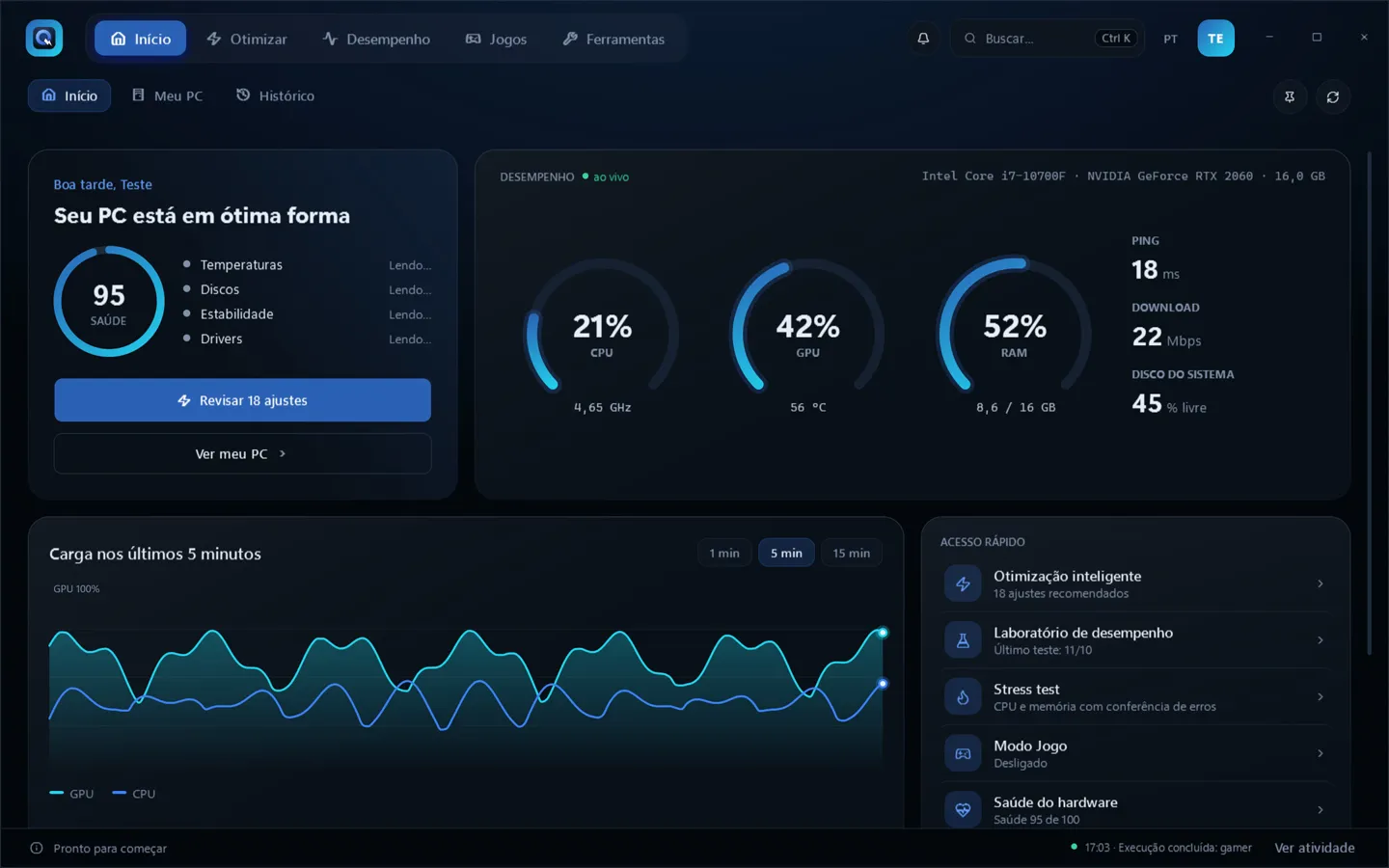
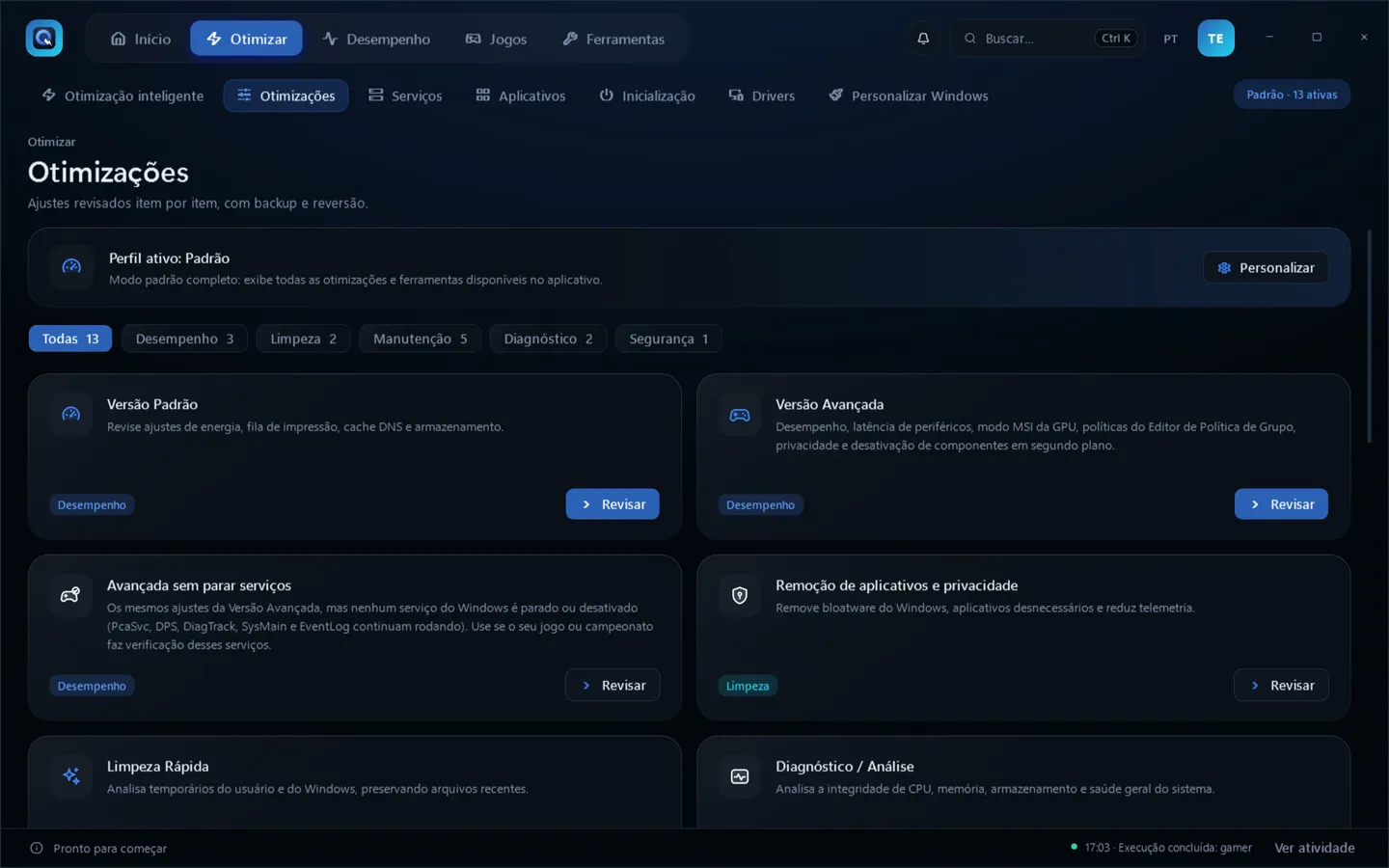
- Smart optimization: reads the hardware and the real state of each tweak, recommends by goal (gaming, laptop, programming, daily use), blocks conflicts and checks the result in Windows.
- Performance lab: average FPS, 1% low, 0.1% low and P95/P99 frame time through PresentMon, before/after comparison and export to CSV, JSON and PDF.
- Backup and rollback: restore point plus a copy of the original value of each registry entry, service and task, with one-click rollback.
- Cleanup and maintenance: temporary files with the size of each category shown before cleaning, plus SFC, DISM and CHKDSK.
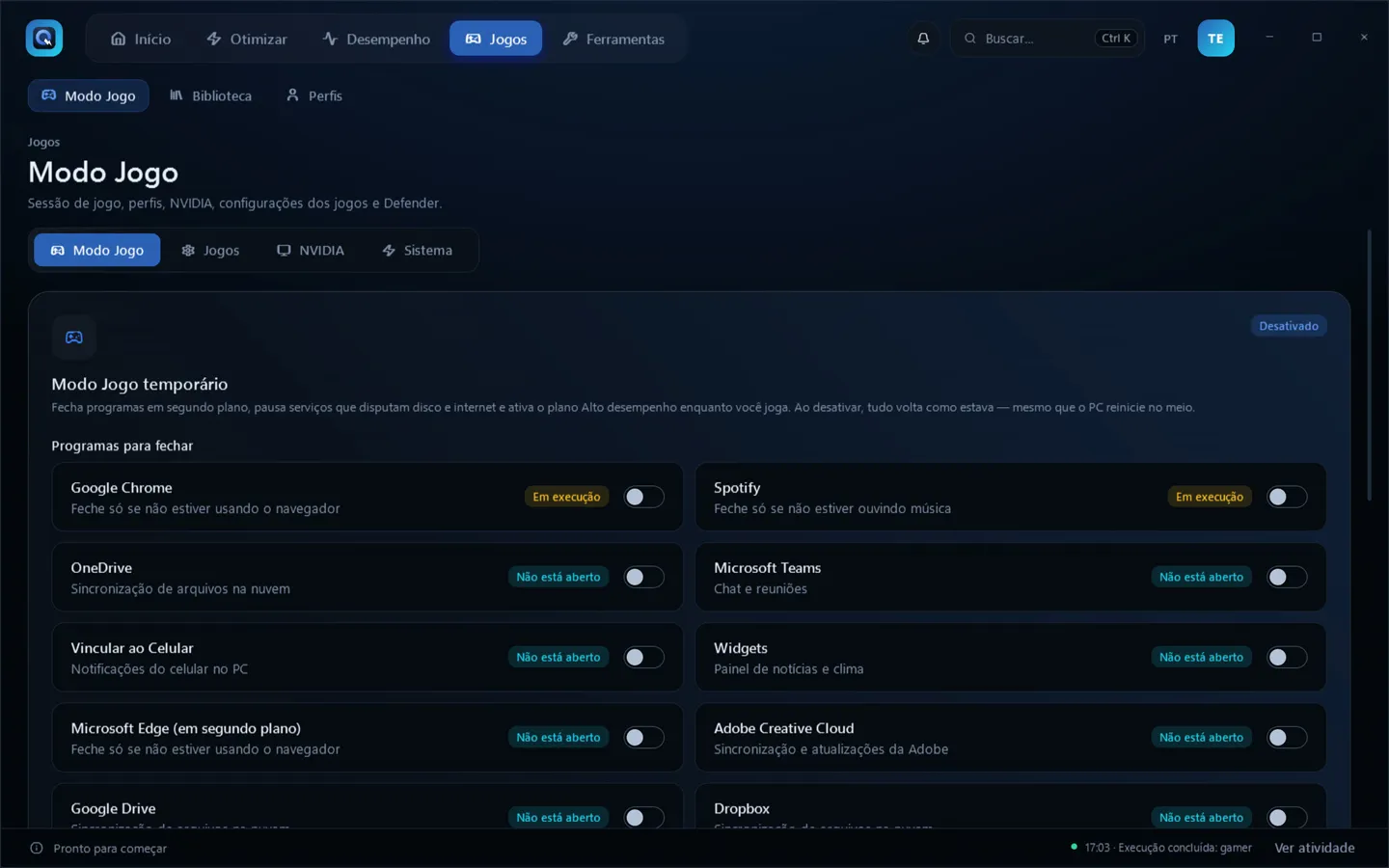
- Game Mode: closes programs and pauses services while you play and restores everything when turned off, with per-game profiles.
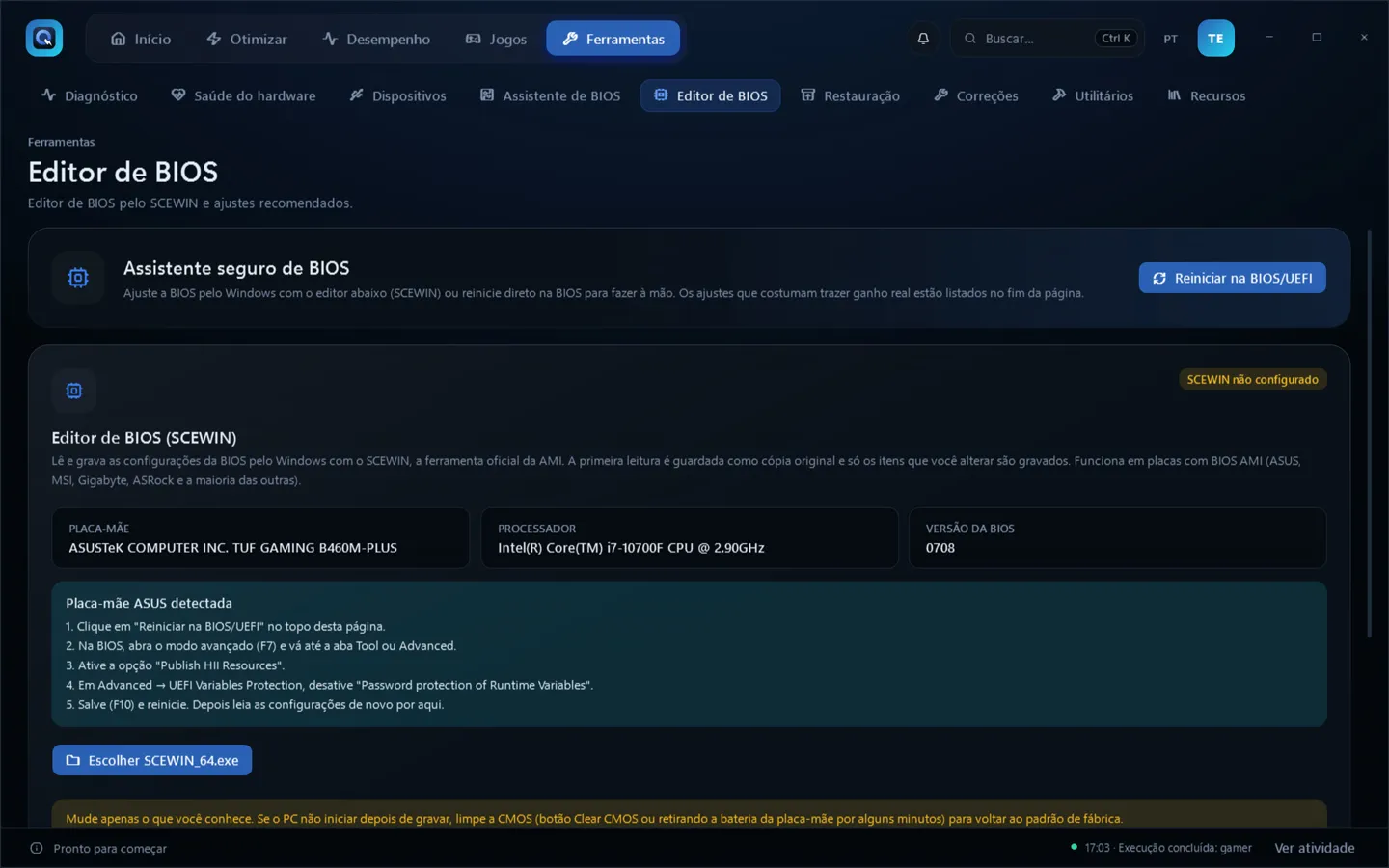
- BIOS assistant: analyzes the hardware and shows what to check in the BIOS, with risk and how to undo it, without ever writing on its own.
- Interface: 9 themes, Portuguese and English, quick search (Ctrl+K) and a guided tutorial.
07Technical challenges and solutions
Proving that a tweak improved performance
Solution: the optimization lab measures one tweak at a time across several recordings and applies Welch's t-test. It only reports a gain with p < 0.05 and a difference of at least 3%. No number is estimated.
Keeping the tweak descriptions true to what the script does
Solution: the catalog only describes and verifies; the script is what applies. A test fails if the two drift apart, for example a new script step without a catalog item or a risk level different from the one marked in the script.
Running as administrator without opening holes
Solution: Windows tools always run from the System32 path; data folders are re-protected on every use and junctions are refused; SCEWIN and PresentMon are copied to a protected folder before running; uninstallers run without cmd; broad Defender exclusions are refused.
Auto-updating without blindly trusting the download
Solution: each release publishes an RSA-signed SHA256SUMS.txt. The app checks the signature against the embedded public key and computes the hash on the same locked file it will run. Without a valid signature, nothing is installed.
Never leaving the PC halfway through a change
Solution: an operation journal detects when the app closed in the middle of an optimization, Game Mode or an update; on the next launch, the user is taken to the rollback.
Sources (in Portuguese): docs/ARQUITETURA.md and docs/guias/SEGURANCA.md in the repository.
08Screenshots
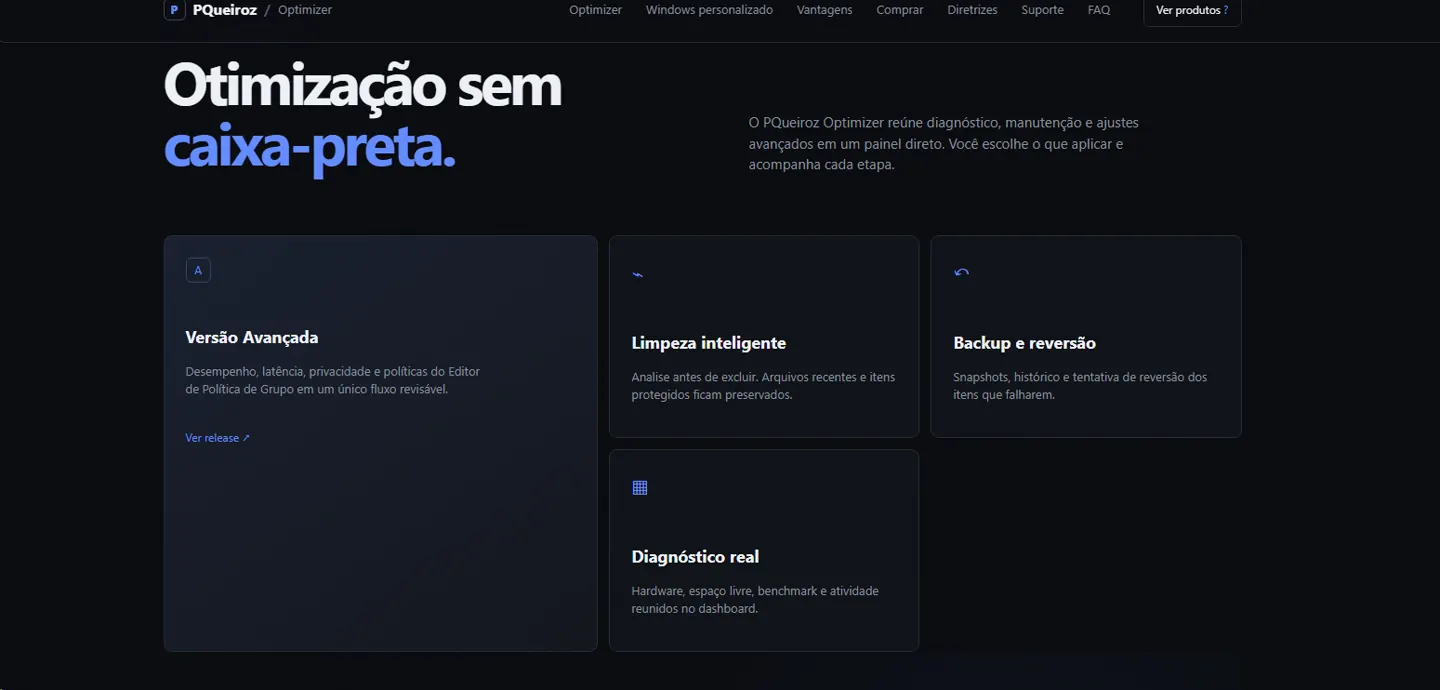
Screenshots of the real interface (in Portuguese), generated by the project's own verification tool.
09Lessons learned and next steps
Qrztweaks showed how much every decision weighs in software that runs as administrator: back up before changing, verify afterwards, recover from failures and keep a trustworthy update chain. It also involved the life cycle of a commercial product, with licenses, support and automated releases.
Known limitations and next steps
- Protection against rolling back the clock and license revocation only become strong with a license server.
- CPU temperature is not read, because it would require a kernel driver (a security decision).
- The installer has no Authenticode signature, so SmartScreen may warn on the first download.